

Best Gaming Monitors (2026)
Last updated: June 2026 · As an Amazon Associate, UnknownGear earns from qualifying purchases. Full disclosure.
Buying a monitor blind is just gambling with $300+ and worse odds than your last loot box. The spec sheet is a minefield of panel types, refresh rates that lie, "HDR" badges that mean nothing, and response-time numbers measured in a lab on the moon. Meanwhile your aim isn't bad — you literally cannot see the guy in the bush because your 8-year-old 60Hz panel renders him as a smear of brown pixels. Touch grass? Buddy, you can't even see the grass.
So here's the deal. I ranked these by what actually wins games and what actually looks good, not by which box has the most RGB and the angriest font. Every pick below is a real panel I'd put on a real desk. Joke first, verdict always — if you strip the bits out, the buying advice still stands on its own.
One money-saving trick: The same model number can hide two completely different monitors. Manufacturers love to slap one name on a fast-but-cheap panel AND a fancy-but-pricey panel — different refresh rate, different color gamut, sometimes a $130 gap — and bury the difference in a part-number suffix you'll never read. Before you buy ANY monitor, copy the FULL model code (every letter and dash) into the search and confirm the exact refresh rate and panel. The "deal" you found might be the slow variant. The "expensive" one might be the QD panel worth every penny. Read the suffix or get clapped at checkout.
🆕 What's new this month (June 2026)
- Glossy WOLED is the new flex. The LG 27GX704A-B and ASUS XG27AQDMG ride glossy WOLED panels that hit 700+ nits in HDR — genuinely brighter than the QD-OLED crowd that famously taps out around 400. OLED 1440p/240Hz is now a "buy it and stop thinking" price, not a flagship splurge.
- Mini-LED quietly crashed the budget tier. The AOC Q27G3XMN puts 336-zone Mini-LED and real DisplayHDR 1000 at mid-range money. A year ago that combo was a $700 conversation. The premium tax on "good HDR" is evaporating.
Quick comparison — the top of each tier
| Product | Best for | Key spec | Tier | Our pick |
|---|---|---|---|---|
| LG 27GX704A-B | Best overall | 1440p · 240Hz · OLED | Premium | 👑 Editor's choice |
| Samsung Odyssey G7 G75F 37" | Big-screen 4K | 4K · 165Hz · 1000R | Premium | 🖥️ Couch/sim king |
| AOC Q27G3XMN | HDR on a budget | 1440p · 180Hz · Mini-LED | Mid-range | 💡 Smart money |
| ASUS TUF VG27AQ3A | All-rounder 1440p | 1440p · 180Hz · Fast IPS | Mid-range | 🎯 Safest buy |
| AOC 27G51Z | Pure 1080p speed | 1080p · 240Hz · IPS | Budget | 💸 Frag budget |
👑 Premium tier ($400+)
OLED, big 4K, and the panels people screenshot to flex. You're paying for the picture — and it shows.
LG 27GX704A-B UltraGear OLED — best overall
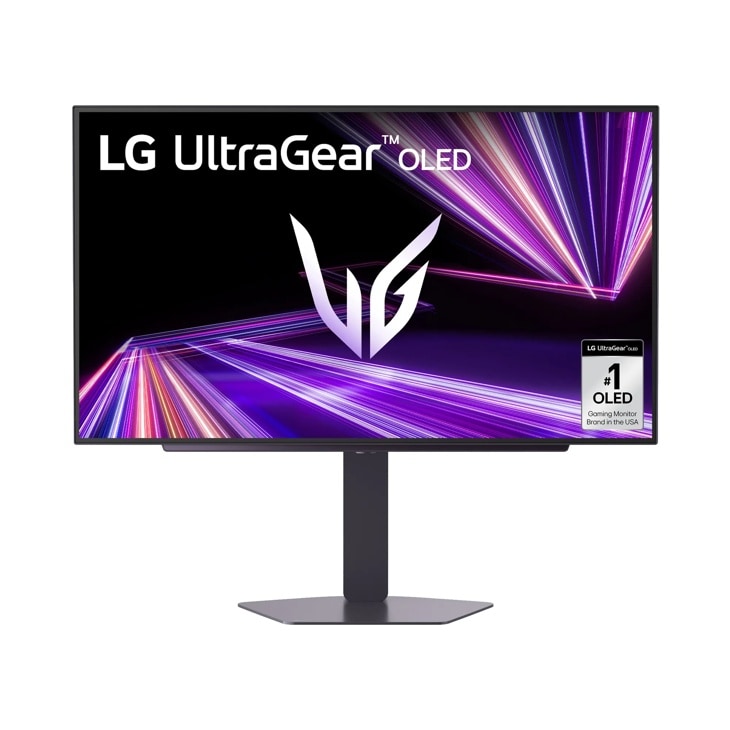
The pitch: The "I'm done shopping for monitors" monitor. If you buy one thing on this list, it's this.
The rundown: This is a 27" glossy WOLED panel doing 1440p at 240Hz with a 0.03ms response time, which is so fast the number basically stops meaning anything — there is no ghosting, there is no smear, there is only you and the regret of blaming your old monitor for years. The glossy coating makes colors pop like a freshly cracked energy drink, and DisplayHDR True Black 400 means the blacks are actually black, not "dark gray with ambitions." G-Sync Compatible and FreeSync Premium Pro keep it tear-free, and HDMI 2.1 means your console plugs in and behaves. The only catch is OLED's eternal homework: vary your content, use the screen savers, don't leave a static HUD baking for 9 hours. Do that and it'll outlive your GPU.
Specs: 27" · 2560×1440 · 240Hz · Glossy WOLED · 0.03ms GtG · DisplayHDR True Black 400 · G-Sync Compatible · FreeSync Premium Pro · HDMI 2.1 + DP 1.4 · Premium tier
Verdict: ✅ OLED motion + glossy color at a sane price · ✅ true HDR blacks · ❌ OLED burn-in chores · 👉 For the player who wants the best all-round panel and is done overthinking it.
ASUS ROG Strix XG27AQDMG — brightest OLED
The pitch: The OLED for people who play with the curtains open and lights blazing.
The rundown: Same glossy WOLED 1440p/240Hz/0.03ms class as the LG, but ASUS leaned hard into brightness — this thing hits around 724 nits peak in HDR, embarrassing the QD-OLED panels that proudly cap out near 400 like that's a personality. There's a custom heatsink and the full ASUS OLED Care suite of anti-burn-in voodoo, so the panel runs cool and your static HUD lives to fight another day. You also pay the ROG logo tax, because of course you do — that little glowing crest costs roughly the price of a AAA game. But if your room is bright and you want HDR that actually punches through daylight instead of squinting at it, this is the one. DisplayWidget Center lets you tune it with a mouse instead of fighting a tiny joystick behind the panel like it's 2015.
Specs: 27" · 2560×1440 · 240Hz · Glossy WOLED · 0.03ms GtG · ~724 nits HDR peak · custom heatsink + OLED Care · G-Sync Compatible · FreeSync · Premium tier
Verdict: ✅ class-leading OLED brightness · ✅ strong burn-in safeguards · ❌ the ROG premium is real · 👉 For bright rooms and anyone who wants HDR that doesn't fold in daylight.
Samsung Odyssey G7 G75F 37" — best big-screen 4K

The pitch: A wall of 4K that curves around your face like it owes you money. Sim racers and couch gamers, assemble.
The rundown: This is a 37-inch 1000R-curved 4K (3840×2160) panel running 165Hz with a 1ms GtG response and DisplayHDR 600, and "immersive" undersells it — the 1000R curve literally matches the curvature of your eyeball, so the edges don't fall off into the void. It's a glorious cockpit display for sim racing and flight, a cinematic single-player canvas, and a productivity beast that swallows spreadsheets whole. FreeSync Premium Pro keeps it tear-free. Two honest warnings: at 37" and 4K you want a GPU with actual muscle or you'll be sad in Cyberpunk, and Samsung's MSRP is optimistic — this one almost never sells at sticker, so check what it's actually going for right now rather than paying list like a tourist. It is enormous. Measure your desk. Then measure it again.
Specs: 37" · 3840×2160 4K · 165Hz · 1000R curved VA · 1ms GtG · DisplayHDR 600 · FreeSync Premium Pro · Premium tier
Verdict: ✅ massive immersive 4K curve · ✅ great for sim/single-player · ❌ needs a strong GPU + a deep desk · 👉 For sim racers and big-screen single-player addicts with room to spare.
🎯 Mid-range tier ($150–$400)
The sweet spot where 1440p/high-refresh lives and 90% of people should actually shop. No buyer's remorse, no second mortgage.
AOC Q27G3XMN — best HDR value
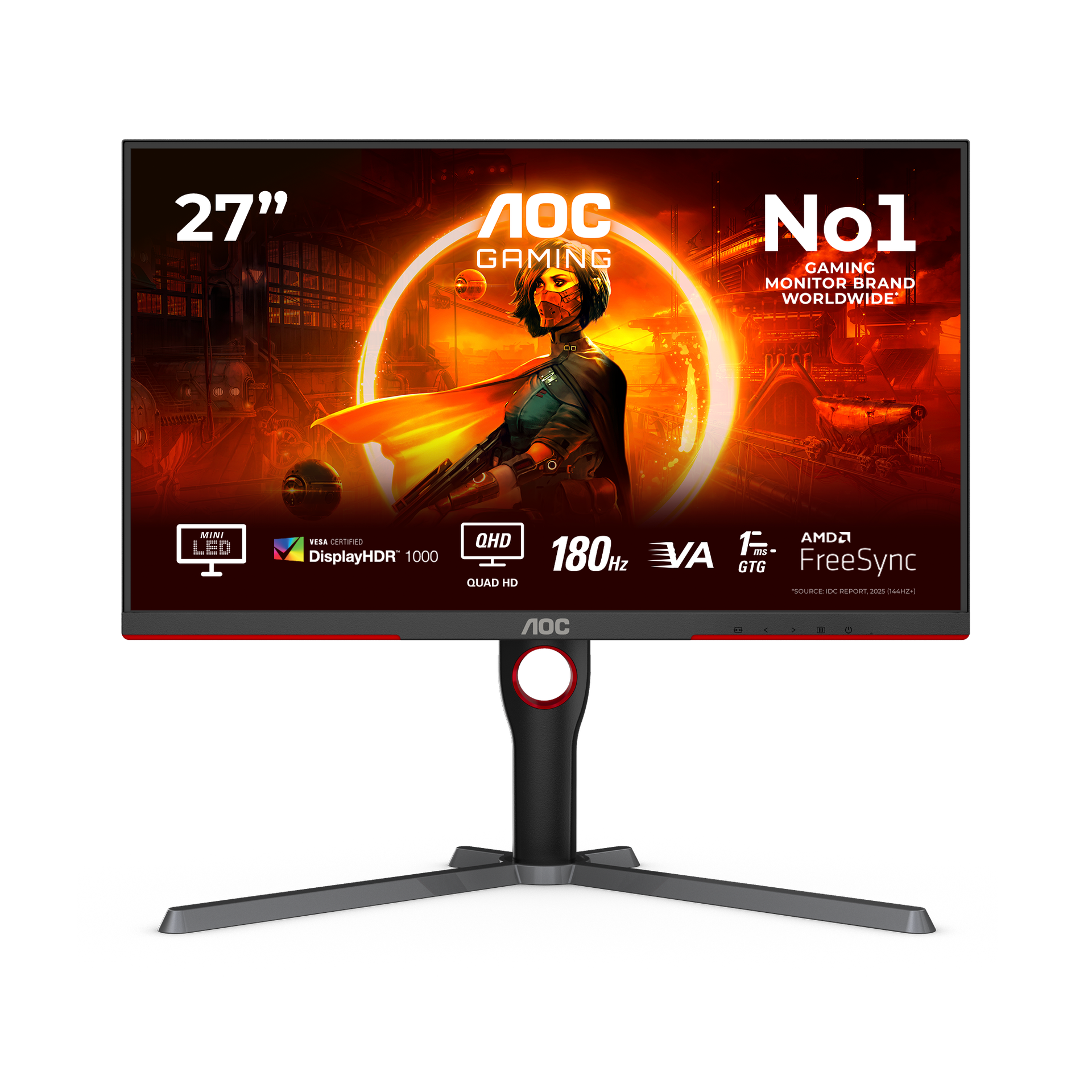
The pitch: Mini-LED and real HDR 1000 for at mid-range money. The spec sheet looks like a typo. It's not.
The rundown: This is the one that makes the pricey panels nervous. It's a 27" 1440p VA running 180Hz (over DisplayPort) with a 336-zone Mini-LED backlight and genuine VESA DisplayHDR 1000 — meaning when an explosion goes off, the bright bits get genuinely, retina-searingly bright while the surrounding dark stays dark, instead of the whole screen turning into milky gray soup the way fake-HDR panels do. It covers ~137% sRGB so colors are juicy, the response is rated 1ms GtG, and AOC even throws in a 3-year zero-bright-dot guarantee, which is a flex at this price. It's a VA panel, so viewing angles aren't OLED-tier and there's a touch more dark smear than a fast IPS — but for the money, getting actual local-dimming HDR this cheap is borderline unfair to the competition.
Specs: 27" · 2560×1440 · 180Hz (DP) / 144Hz (HDMI) · VA Mini-LED · 336-zone local dimming · DisplayHDR 1000 · ~137% sRGB · 1ms GtG · Mid-range tier
Verdict: ✅ real local-dimming HDR for the price · ✅ punchy, bright, color-rich · ❌ VA angles + mild dark smear · 👉 For the value hunter who wants HDR that actually does something.
LG 27GR75Q-B UltraGear — best value 1440p IPS
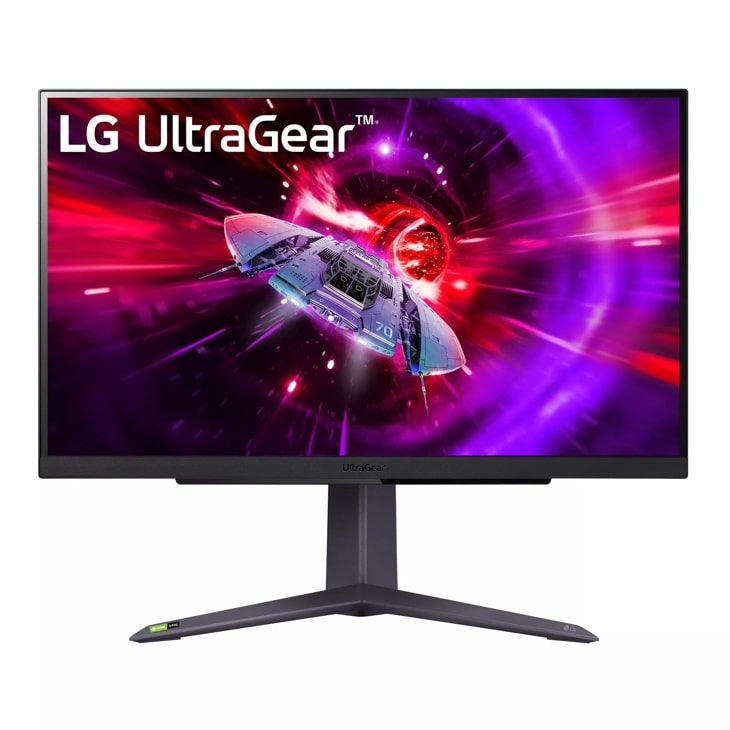
The pitch: The reliable, no-drama 1440p IPS that just works and never makes a scene.
The rundown: Not every monitor needs to be a glowing flex piece. This is a 27" 1440p IPS at 165Hz with a 1ms GtG response and 99% sRGB coverage — the dependable workhorse that handles competitive shooters, cozy RPGs, and your spreadsheet shame equally well. You get LG's gamer toolkit (Black Stabilizer to spot enemies in dark corners, Dynamic Action Sync, a crosshair overlay if your aim needs the moral support), G-Sync Compatible and FreeSync Premium for smooth frames, and a proper tilt/height/pivot stand instead of the wobbly plastic shrug most budget panels ship with. No OLED party tricks, no Mini-LED fireworks — just a genuinely good IPS panel that'll quietly do its job for years while you blame your ping instead.
Specs: 27" · 2560×1440 · 165Hz · IPS · 1ms GtG · 99% sRGB · G-Sync Compatible · FreeSync Premium · height/tilt/pivot stand · Mid-range tier
Verdict: ✅ rock-solid IPS all-rounder · ✅ great stand + LG gamer tools · ❌ no HDR worth bragging about · 👉 For anyone who wants a dependable 1440p panel with zero surprises.
ASUS TUF VG27AQ3A — best all-rounder
The pitch: The "just tell me what to buy" answer for most people. Boringly excellent at mid-range money.
The rundown: If the LG above is the safe pick, this is the safe pick that costs even less. It's a 27" 1440p Fast IPS at 180Hz with a 1ms GtG response, 130% sRGB coverage, and ASUS's ELMB Sync — which lets you run motion-blur reduction AND adaptive sync at the same time, a combo most panels make you choose between like it's a Sophie's choice. FreeSync Premium and G-Sync Compatible are both here, plus built-in speakers that are exactly as good as built-in speakers always are (use them in an emergency, then buy a headset). It's not flashy, it doesn't have HDR worth the sticker, and the TUF design is more "serious tactical beige" than RGB rave. But for the money it nails the fundamentals so completely that recommending against it is hard. This is the one I tell my non-nerd friends to buy.
Specs: 27" · 2560×1440 · 180Hz · Fast IPS · 1ms GtG · 130% sRGB · ELMB Sync · FreeSync Premium · G-Sync Compatible · Mid-range tier
Verdict: ✅ fantastic price-to-performance · ✅ ELMB Sync is genuinely useful · ❌ HDR is decorative at best · 👉 For most players who just want a great 1440p panel without overthinking it.
BenQ MOBIUZ EX271Q — best feature flex

The pitch: The monitor that actually thought about your eyeballs and your ears, not just your K/D.
The rundown: BenQ's MOBIUZ line is for people who game for six hours straight and would like to not feel like a vampire afterward. The EX271Q is a 27" 1440p panel at up to 180Hz (over DisplayPort) with a 1ms GtG response, but the party trick is everything around the panel: BenQ's HDRi tone-mapping that adjusts to your room, a light sensor, low-blue-light eye-care that's actually tuned well, and the surprisingly-not-terrible built-in 2.1 speaker setup with a little subwoofer — genuinely usable audio, which is a unicorn in monitor land. It leans more "comfortable all-day immersion" than "ruthless esports weapon," and it's priced like a mid-ranger rather than a flagship. Remember the suffix rule here too: BenQ sells MOBIUZ panels in different resolution/refresh flavors, so confirm you're grabbing the QHD 180Hz config and not a slower cousin.
Specs: 27" · 2560×1440 · up to 180Hz (DP) / 144Hz (HDMI) · IPS · 1ms GtG · HDRi · light sensor · built-in 2.1 speakers · Mid-range tier
Verdict: ✅ excellent eye-care + real speakers · ✅ great for long immersive sessions · ❌ not the fastest esports option · 👉 For the marathon gamer who values comfort and good built-in audio.
💸 Budget tier (under $150)
Cheap, fast, and good enough that "I can't afford a gaming monitor" is officially no longer an excuse. Now you're out of excuses entirely.
AOC 27G51Z — best 1080p speed
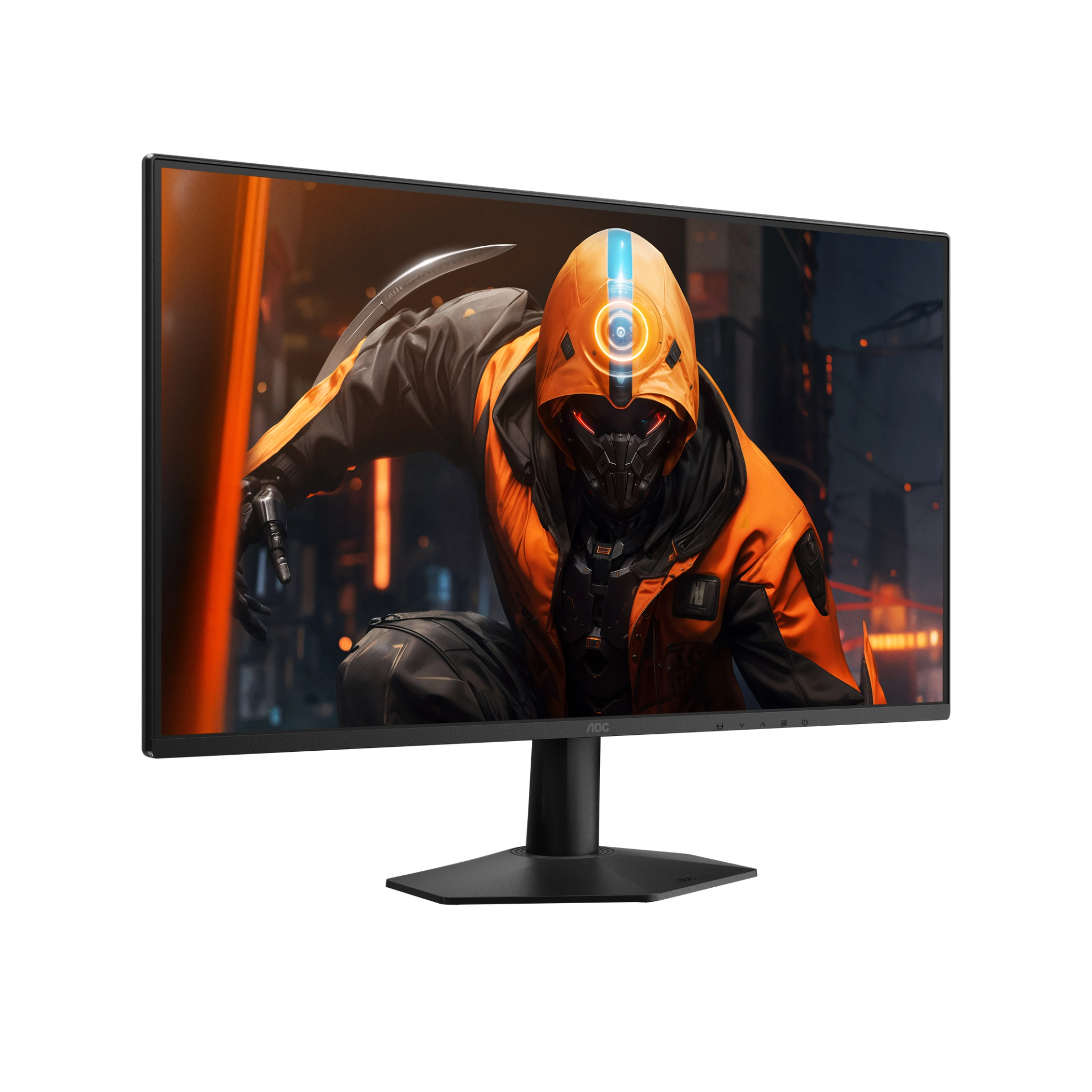
The pitch: 240Hz for the price of a nice dinner. Your excuses for losing just got smaller.
The rundown: This is the pure frag-budget weapon — a 27" 1080p IPS panel doing a blistering 240Hz with a 0.5ms MPRT response, aimed squarely at the competitive crowd who'd trade resolution for raw framerate every single time. At 1080p, even a mid-tier GPU can actually feed all 240 of those frames, which is the whole point: buttery-smooth motion, sharp enemy tracking, and footsteps you can finally see coming. IPS means the colors don't look like a wet newspaper the way old budget TN panels did, and Adaptive Sync keeps it tear-free. Yes, 1080p stretched over 27" isn't razor-sharp up close — sit a normal distance away and you'll never notice mid-match. At budget money, this is the most fps-per-dollar on the entire list.
Specs: 27" · 1920×1080 · 240Hz (260Hz OC) · IPS · 0.5ms MPRT · Adaptive Sync · Budget tier
Verdict: ✅ 240Hz for cheap · ✅ IPS color, easy to drive · ❌ 1080p is soft on a 27" up close · 👉 For competitive players who want max frames on a tight budget.
INNOCN 25G2S — best budget 1440p 240Hz
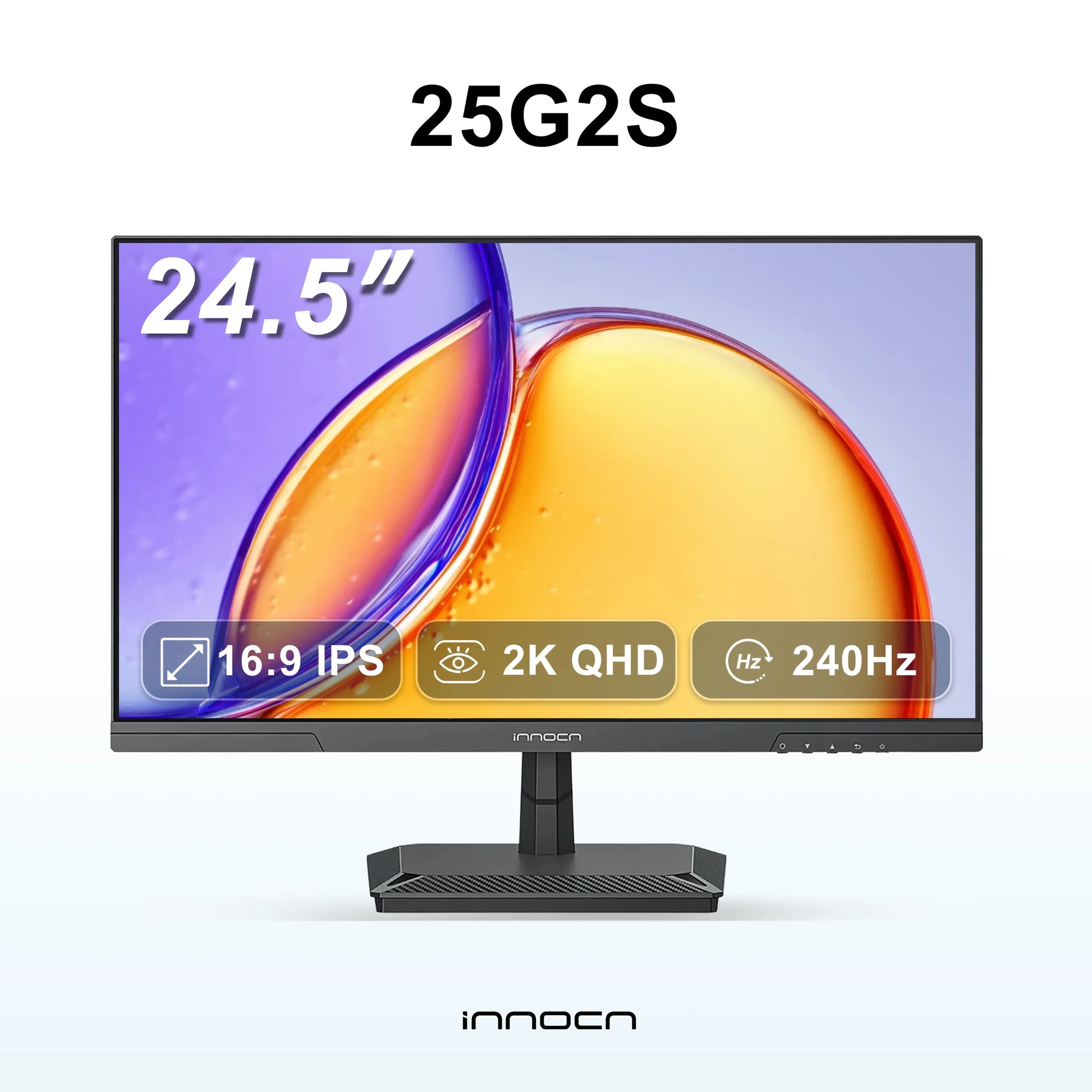
The pitch: 1440p AND 240Hz at budget money? Read that twice, then check the model number twice.
The rundown: INNOCN keeps quietly punching way above its weight, and the 25G2S is the proof. It's a 24.5" Fast IPS panel that pulls off the rare double of 1440p resolution AND a 240Hz refresh rate with a 1ms response — a combo that cost twice this much from the big brands not long ago. You get 99% sRGB for clean color, HDMI 2.1 and DP 1.4 inputs (so your PS5 or Series X plug in happily), Adaptive Sync, and even built-in speakers for emergencies. The 24.5" size is actually a feature for competitive play — pros love a smaller screen because your whole field of view fits without your eyeballs doing laps. It's a value brand, so the stand and on-screen menu won't feel luxurious, but the panel itself genuinely overdelivers. This is the giant-killer of the budget tier.
Specs: 24.5" · 2560×1440 · 240Hz · Fast IPS · 1ms · 99% sRGB · HDMI 2.1 + DP 1.4 · Adaptive Sync · Budget tier
Verdict: ✅ 1440p + 240Hz for budget money · ✅ console-ready HDMI 2.1 · ❌ value-tier stand and menus · 👉 For the bargain hunter who refuses to choose between resolution and speed.
AOC 22B2HM2 — absolute budget pick
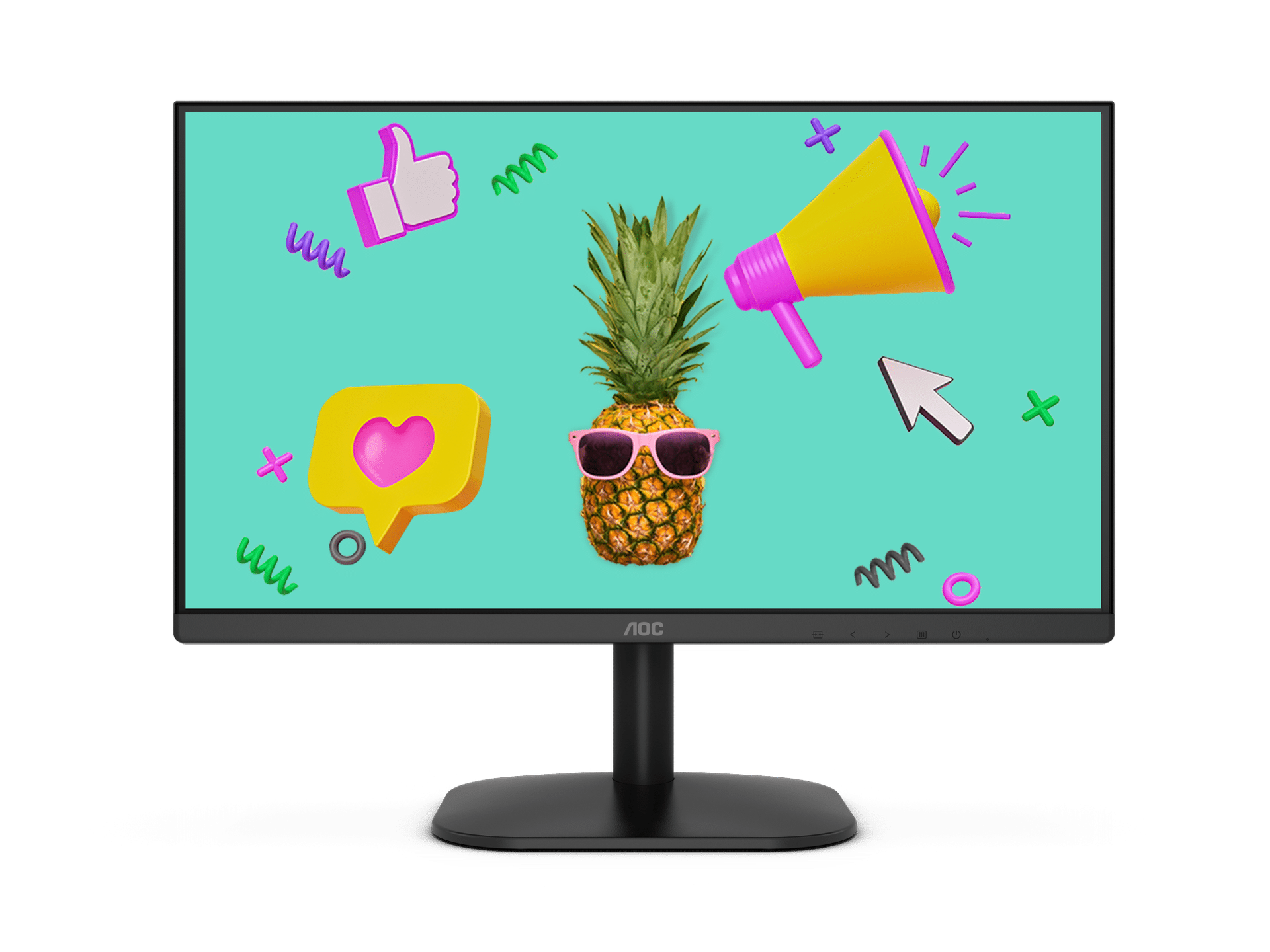
The pitch: The "I need a screen and I have lunch money" monitor. Not a flex — a lifeline.
The rundown: Let's be honest about what this is: a 21.5" 1080p panel at 100Hz, and that's completely fine. It's the second-monitor for Discord and stream chat, the dorm-room display, the kid's first PC screen, the "my main monitor died and payday is Friday" emergency buy. The 100Hz refresh is still a real upgrade over the ancient 60Hz slab you're probably replacing — motion feels noticeably smoother and your cursor stops teleporting. It's got Adaptive Sync, flicker-free backlight, low-blue-light mode, HDMI and VGA inputs, and it's eye-care friendly for long sessions. Nobody's winning a tournament on this, and that's not the assignment. The assignment is "a perfectly decent screen for under ninety bucks," and it nails it without embarrassing itself.
Specs: 21.5" · 1920×1080 · 100Hz · VA · Adaptive Sync · flicker-free · low blue light · HDMI + VGA · Budget tier
Verdict: ✅ shockingly cheap · ✅ 100Hz beats the old 60Hz grind · ❌ small, basic, not for serious gaming · 👉 For a budget second screen, a starter setup, or an emergency replacement.
The bottom line
- Best overall: LG 27GX704A-B — glossy OLED, 240Hz, and the price finally makes sense. Buy it, stop reading.
- Brightest OLED for bright rooms: ASUS ROG Strix XG27AQDMG — ~724-nit HDR that survives daylight.
- Big-screen 4K / sim racing: Samsung Odyssey G7 G75F 37" — check the street price, then immerse.
- Best value with real HDR: AOC Q27G3XMN — Mini-LED DisplayHDR 1000 at mid-range money is the steal of the year.
- Safest all-rounder: ASUS TUF VG27AQ3A — what I tell normal humans to buy.
- Comfort + good speakers: BenQ MOBIUZ EX271Q — for the all-day marathon crowd.
- Pure budget frags: AOC 27G51Z (240Hz) or INNOCN 25G2S (1440p/240Hz) — max frames, minimum spend.
- I just need a screen: AOC 22B2HM2 — dirt cheap and gets the job done.
Frequently asked questions
Is 1440p or 4K better for gaming in 2026?
For most people, 1440p at a high refresh rate (165Hz+) is the sweet spot — sharp, smooth, and your GPU can actually drive every frame. Go 4K only if you have a strong GPU and want a big screen for single-player or sim games; at 27" the resolution jump is nice-to-have, not essential.
Is OLED worth it, or will it burn in?
OLED is worth it for the motion clarity, perfect blacks, and color — it's the best-looking gaming tech you can buy. Modern panels have strong burn-in safeguards (pixel shift, panel refresh cycles, logo dimming), and if you vary your content and let the maintenance routines run, burn-in is unlikely for years of normal gaming use. Just don't leave a static HUD blazing at full brightness for 10 hours a day.
How many Hz do I actually need?
144–165Hz is the comfortable sweet spot where the smoothness is obvious and prices are sane. 240Hz is for competitive shooter players chasing every edge. Above 240Hz the gains get tiny and very GPU-hungry. Don't pay for refresh your graphics card can't feed — a 240Hz panel running 80fps is just an expensive 80fps.
What does the "money-saving trick" mean about model suffixes?
Manufacturers often sell different panels under one model name, separated only by a suffix in the part number — one might be a cheaper, slower variant and another a premium QD/OLED version, sometimes $130+ apart. Always copy the FULL model code into your search and confirm the exact refresh rate and panel type before buying, so you get the version you actually want.
IPS, VA, or OLED — which panel should I pick?
OLED for the best overall image and motion (premium). IPS for great color and viewing angles with fast response (the safe mid-range default). VA for deep contrast and cheap HDR/Mini-LED value, at the cost of some dark smear and narrower angles. For pure competitive speed on a budget, a fast IPS is usually the best all-rounder.
Related: Best Gaming Headsets · Best Gaming Mice